Self check-in guide
Airbnb lockbox instructions guests can follow at the door
Lockbox instructions fail when guests cannot find the box, misunderstand the code, or do not know what to do if it sticks. Clear steps and photos prevent most of those messages.
What this solves
- Show the exact lockbox location.
- Explain the code and opening motion clearly.
- Add photos for the entrance, lockbox, and apartment door.
- Include backup help if the lockbox does not open.
Location is usually the problem
Guests often have the right code but cannot find the lockbox. Add landmarks, photos, and a precise description.
Explain the physical action
Some lockboxes need a pull, slide, reset button, or firm pressure. Say exactly what guests should do.
- Where the lockbox is mounted.
- How to enter and reset the code.
- How to remove and return keys.
- What to do if it is dark, stuck, or empty.
How CheckInLink helps
CheckInLink lets you combine lockbox steps, photos, access notes, and emergency contact details in one mobile check-in guide.
Guest preview
The guest is standing outside when this matters
Lockbox instructions need to work under pressure: bad weather, low battery, dark entrance, tired guest. The guide should remove every small guess.
- Exact location and physical opening steps stay together.
- Photos support the text when the entrance is confusing.
- Backup steps reduce panic if the box sticks or the code fails.
- Fewer calls from guests standing at the entrance.
- Clearer self check-in for late arrivals.
- Less risk of keys being left in the wrong place.
No guest account. No app download. One mobile link guests can reopen.
Welcome to Warsaw Sky Loft
A bright, modern apartment in the heart of Warsaw with skyline views, fast Wi-Fi, and everything guests need for an easy stay.
Make yourself comfortable. We added our favorite local spots below.
Property Information
Address
ul. Prosta 67, 00-017 Warszawa, Poland
Door Code
9482
Check-in
After 15:00
Check-out
Before: 11:00
House Rules
See allDiscover Nearby
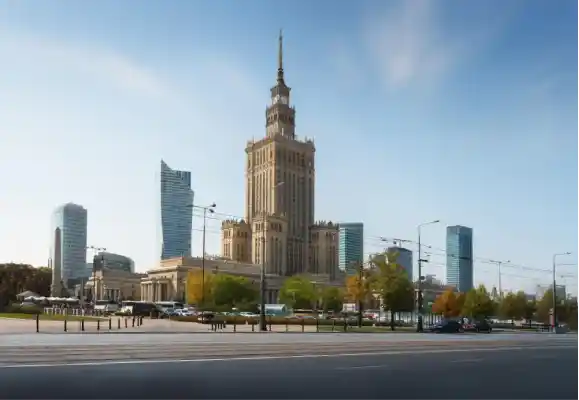

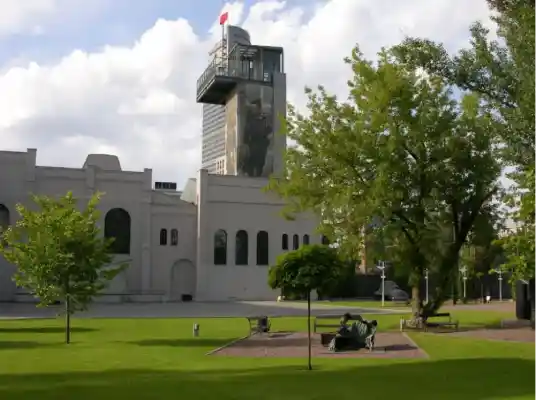
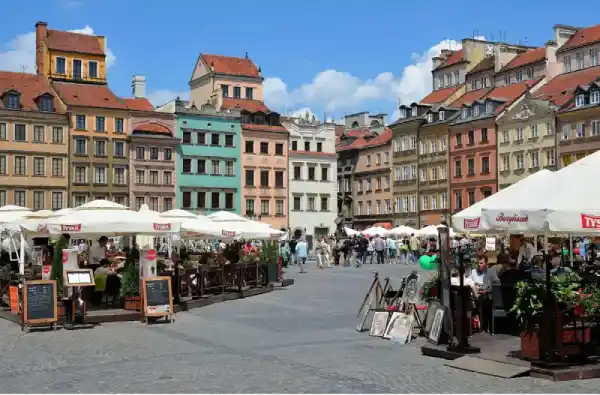
Frequently Asked Questions
Emergency Contacts
Lockbox instruction outline
Use this outline for self check-in with a key box.
- 1The lockbox is located [exact location].
- 2Enter code [code], then [press/pull/slide] to open.
- 3Take the keys labeled [label] and close the lockbox.
- 4Use the keys for [building door/apartment door].
- 5At checkout, return the keys to the same lockbox and scramble the numbers.
Copy this lockbox instruction
Be literal. If the guest has to push, pull, slide, or reset something, write that exact action.
The lockbox is located [exact location], next to [landmark].
Enter code [code]. Then [press/pull/slide] the box to open it.
Take the keys labeled [label]. Close the lockbox and scramble the numbers.
Use the key for [building door] and [apartment door].
If the lockbox does not open, try [backup step] and then contact [backup contact].
Frequently asked questions
Should I include lockbox photos?
Yes. Photos are one of the fastest ways to prevent arrival confusion.
Should I hide the lockbox code until check-in day?
Many hosts prefer sending sensitive access details close to arrival. Follow your security process and platform rules.
What if the guest cannot open the lockbox?
Give backup steps: retry instructions, a contact method, and an emergency access plan if possible.