Check-in template
Airbnb check-in instructions template
Clear check-in instructions reduce arrival stress and prevent late-night messages. The goal is to give guests the right steps in the right order before they reach the door.
What this solves
- Explain exactly when and where guests can arrive.
- Separate parking, building access, and apartment access.
- Add backup instructions for lockbox or smart lock problems.
- Share a short message plus one full guide link.
Use the same order guests will follow
Guests are usually tired when they arrive. Put the instructions in the order they need them: address, parking, entrance, elevator, door, keys, and inside notes.
Make each step short
Long paragraphs are easy to miss. Use numbered steps and add photos for entrances, doors, lockboxes, and parking spots.
How CheckInLink helps
CheckInLink lets you keep check-in steps, codes, photos, maps, and backup notes in one mobile guide that guests can reopen at the door.
Guest preview
Made for late arrivals and tired guests
Good check-in instructions do not make guests interpret anything. They tell someone where to stand, what to press, what to open, and what to do if the first attempt fails.
- Step-by-step access notes stay in one mobile guide.
- Photos can support entrances, doors, lockboxes, and parking.
- Backup notes are available before the guest calls you.
- Reduce late-night arrival messages.
- Keep door codes, parking, and backup steps together.
- Let guests reopen the guide at the building entrance.
No guest account. No app download. One mobile link guests can reopen.
Welcome to Warsaw Sky Loft
A bright, modern apartment in the heart of Warsaw with skyline views, fast Wi-Fi, and everything guests need for an easy stay.
Make yourself comfortable. We added our favorite local spots below.
Property Information
Address
ul. Prosta 67, 00-017 Warszawa, Poland
Door Code
9482
Check-in
After 15:00
Check-out
Before: 11:00
House Rules
See allDiscover Nearby
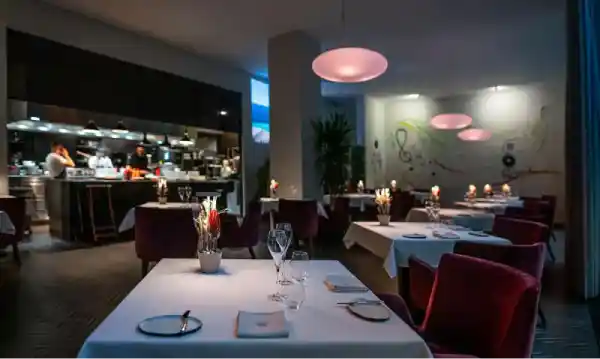
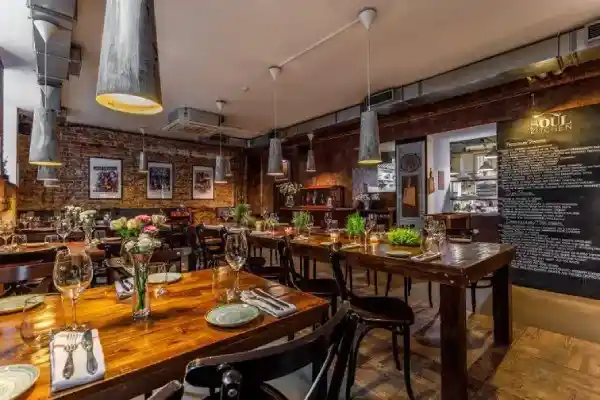
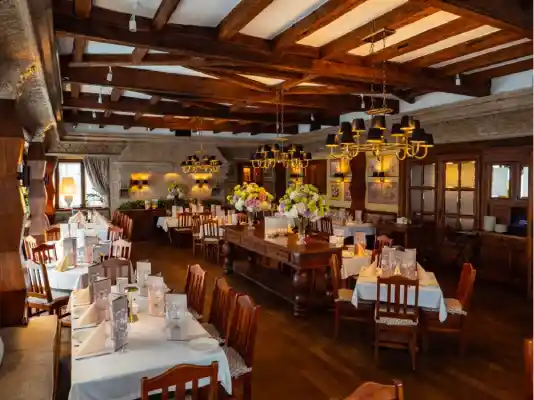
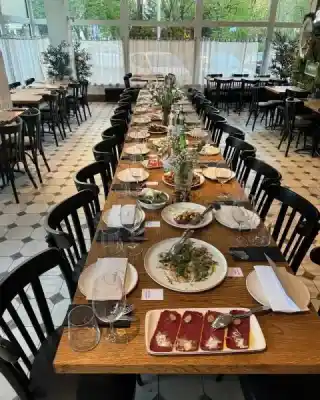
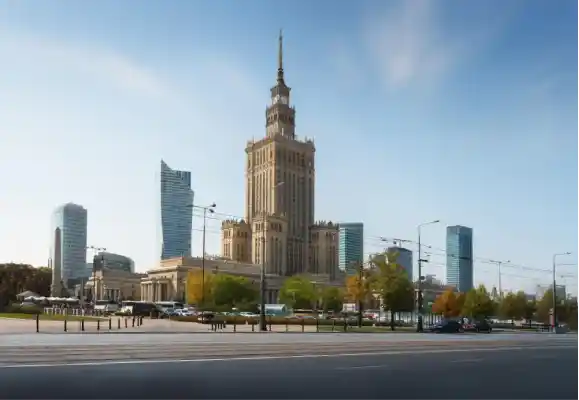

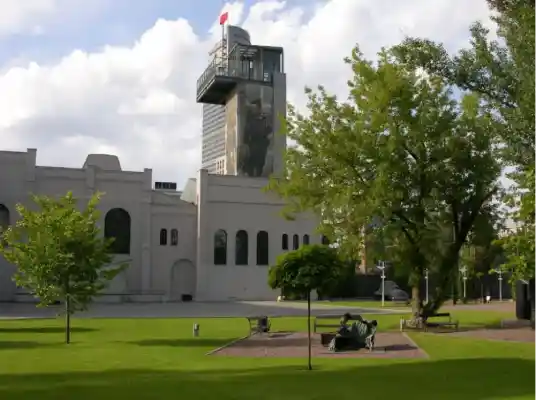
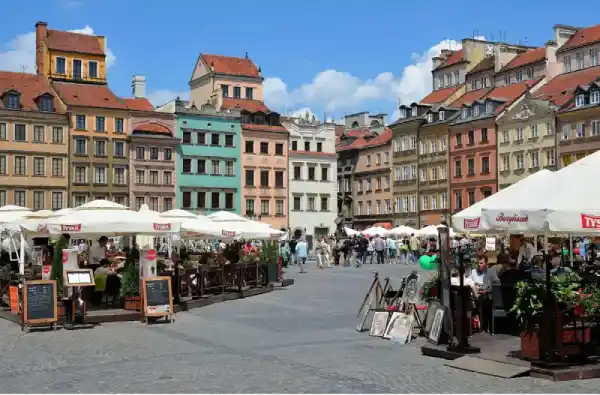


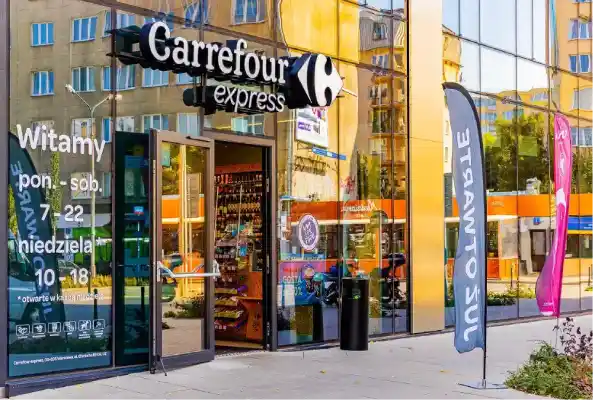
Frequently Asked Questions
Emergency Contacts
Copyable check-in instruction outline
Use this structure as the base for your guest arrival guide.
- 1Check-in starts at [time]. The property address is [full address].
- 2When you arrive, park at [parking location] or use [public parking option].
- 3Enter through [entrance description]. Use code [code] and press [button if needed].
- 4Take [stairs/elevator] to [floor]. The apartment door is [door description].
- 5Open the lockbox or smart lock using [steps]. If it does not open, contact [backup contact].
Copy this check-in message
Send a short version in Airbnb or Booking.com, then link to the full guide for photos and backup steps.
Hi [guest name], your check-in starts at [time].
Here is your check-in guide with the address, parking, entrance, keys, and backup instructions: [CheckInLink].
Please open it before you arrive so the building access steps are ready on your phone.
If the lockbox or door code does not work, use the backup contact inside the guide.
Frequently asked questions
Should I send check-in instructions in Airbnb messages?
Yes, but keep the message short and link to the full guide. Long instructions are easier to miss in a chat thread.
Should I include photos?
Yes. Photos help guests recognize the right entrance, door, lockbox, parking area, and key location.
When should I send check-in instructions?
Send them early enough for planning, then repeat the link shortly before arrival.