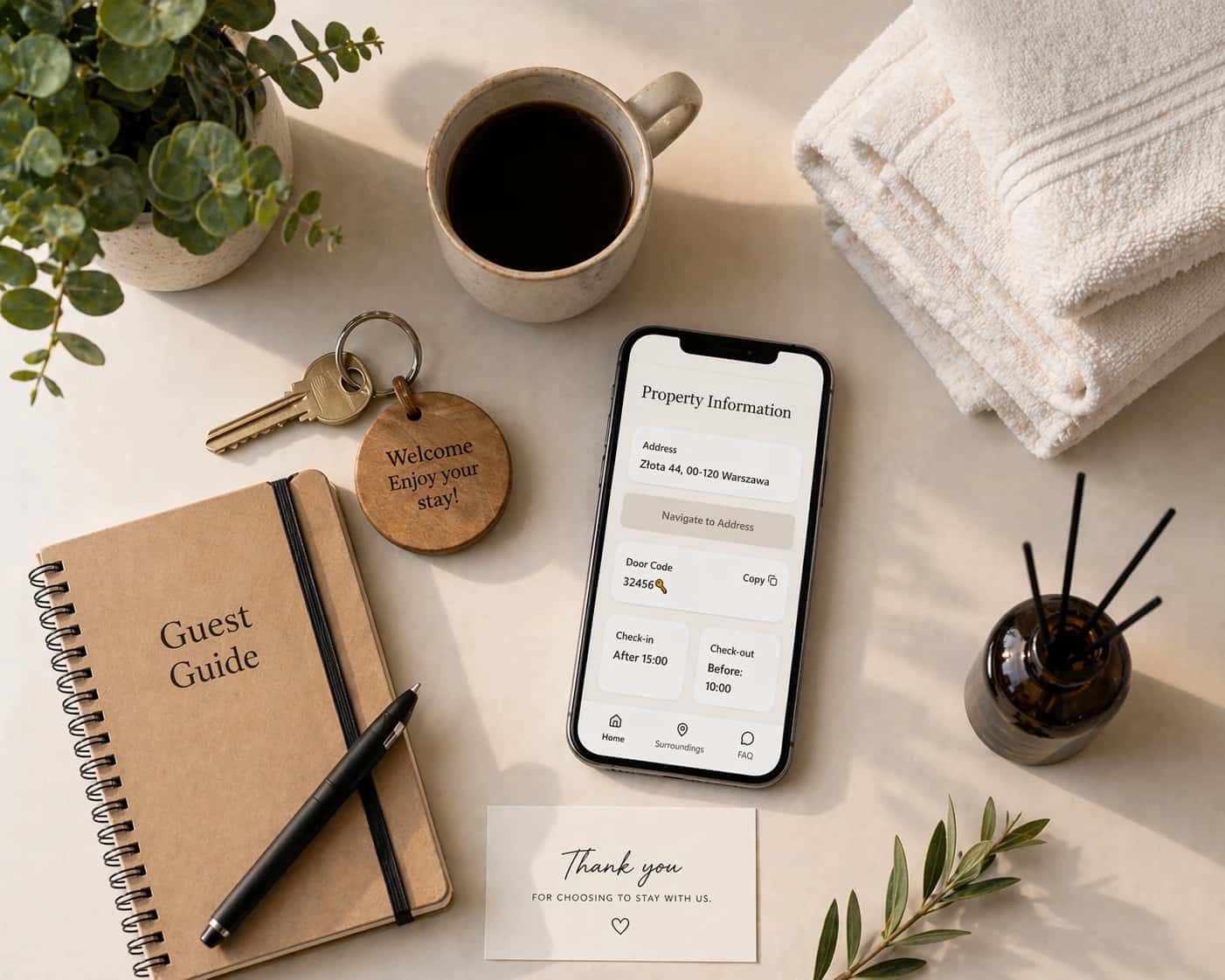
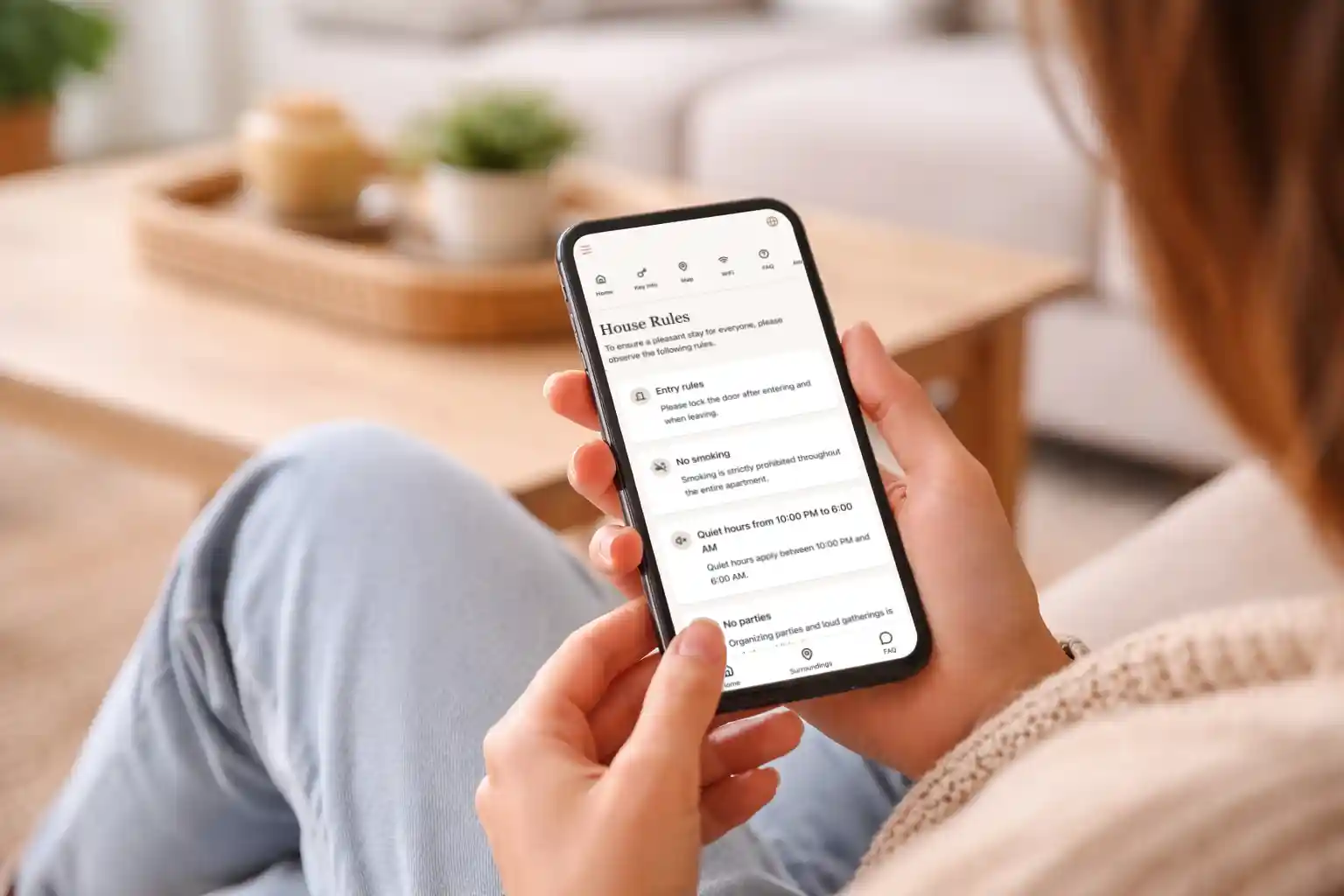
A digital guidebook is an online, mobile-friendly collection of practical information that a guest opens from a link or QR code. For a vacation rental, it usually brings check-in instructions, WiFi details, house rules, appliance help, local recommendations, and checkout steps together in one place.
Instead of searching through old messages or carrying a printed folder, guests can open the same guide before arrival and during their stay. The host can update the information without printing a new welcome book or sending another long message.
You may also see the term written as digital guide book. “Guidebook” is the more common spelling, but both usually describe the same thing.
What does a digital guidebook contain?
A useful guidebook follows the guest's journey. It answers the questions that appear before arrival, at the front door, inside the property, and at checkout.
Most vacation rental guidebooks include:
- A short welcome and basic property information
- The address, arrival time, parking information, and check-in steps
- WiFi network and password
- Instructions for heating, air conditioning, television, and appliances
- House rules, quiet hours, smoking policy, and pet information
- Safety information and emergency contacts
- Restaurants, shops, transport, and local recommendations
- Checkout time, key return, trash, and final departure steps
- Answers to questions guests ask repeatedly
The goal is not to include every fact about the property. The goal is to make the next useful answer easy to find.
How does a digital guidebook work?
The process is simple:
- The host creates the guide. Information is divided into clear sections such as check-in, WiFi, house rules, local places, and checkout.
- The host shares one link. It can be sent through Airbnb, Booking.com, email, SMS, or another guest-messaging channel.
- The guest opens it on a phone. A good digital guidebook works in a normal browser and does not require a separate app.
- The same link can be used during the stay. A QR code inside the property can help guests reopen the guide quickly.
- The host updates the guide when something changes. The existing link shows the new information, so there is no old PDF or printed copy to replace.
For sensitive access information, use the security controls appropriate for your property. Avoid placing permanent door codes on a publicly accessible page, and send time-sensitive access details only to the correct guest.
Is a digital guidebook the same as a digital welcome book?
The terms overlap, and many hosts use them interchangeably.
A digital welcome book often emphasizes hospitality: a welcome message, recommendations, and information that helps guests enjoy the stay. A digital guidebook often sounds more practical: arrival instructions, property operation, rules, and departure steps.
In practice, a strong guest guide does both. It welcomes the guest and helps them use the property without confusion.
A house manual is usually narrower. It explains how things inside the property work. A complete digital guidebook can include the house manual along with check-in, local recommendations, and checkout.
Digital guidebook versus PDF, messages, and printed folders
Hosts can communicate guest information in several ways, but each format behaves differently.
Printed welcome book
A printed folder is easy to leave on a table, but guests cannot use it while traveling to the property. It also becomes outdated when the WiFi password, restaurant list, or check-in process changes.
PDF guide
A PDF can contain plenty of information, but long documents are often awkward to read on a phone. Guests may download an old version, and finding one instruction can require scrolling through many pages.
Booking-platform messages
Messages are useful for timely reminders and personal communication. They become less useful when important details are spread across the booking confirmation, arrival message, house-rules message, and checkout reminder.
Digital guidebook link
A link gives the guest one place to return to. Information can be organized into short sections, updated without changing the link, and opened before arrival or inside the rental.
The best system often combines both methods: send short messages at the right moment and use the guidebook as the complete source of property information.
See real CheckInLink guidebooks
A guidebook is easier to understand when you can open one yourself. These are live CheckInLink examples, not screenshots or design mockups:
- Riverside Loft Kraków live guide shows how a city apartment can organize arrival, self check-in, WiFi, house rules, and practical stay information.
- Seaside Apartment Gdańsk live guide combines property instructions with amenities and ideas for exploring the area.
- Warsaw City Tower Apartment live guide demonstrates how a host can explain building access, parking, apartment details, and local information in one place.
Open any example on your phone and move through it as a guest would. Notice that the guide is not one long document. Guests can go directly to the answer they need.
How CheckInLink helps hosts build one
CheckInLink is designed for independent hosts and small property managers who want a straightforward guest guide without a complicated property-management system.
With CheckInLink, you can organize check-in, parking, WiFi, amenities, house rules, maps, local places, video instructions, FAQs, and checkout information behind one shareable link. When something changes, you update the guide instead of sending a replacement PDF. Guests can open it in a browser before arrival and return to it during the stay.
The live examples above show the guest side. The host side gives you an editor for building and updating the same type of guide for your own property.
Why do vacation rental hosts use digital guidebooks?
The clearest benefit is consistency. Every guest receives the same core instructions, even when the reservation comes from a different booking channel.
A digital guidebook can help a host:
- Answer predictable questions before they become messages
- Keep Airbnb, Booking.com, Vrbo, and direct-booking guests informed
- Explain visual check-in steps with photos
- Update seasonal information in one place
- Share local knowledge without rewriting recommendations for every stay
- Give cleaners or co-hosts one current source to review
For guests, the benefit is confidence. They know where to look when they need the WiFi password, cannot operate the heating, want a nearby grocery store, or are unsure what to do with the keys at checkout.
A guidebook will not remove every guest message, and it should not replace personal support. It handles routine information so conversations can focus on unusual or genuinely important needs.
Who needs a digital guest guide?
A guidebook is useful even for a host with one property. If you have answered the same question several times, putting the answer in a clear guest-facing guide can already save effort.
It becomes especially useful for:
- Independent Airbnb, Booking.com, and Vrbo hosts
- Property managers responsible for several rentals
- Self-check-in properties
- Rentals with parking, gate, lockbox, or building-access instructions
- Properties with appliances that need explanation
- Direct-booking hosts who cannot rely on one platform's message history
- Guests arriving late, speaking another language, or planning before the trip
The more details a guest must remember, the more valuable one organized source becomes.
How to create a digital guidebook
Start with usefulness rather than design.
- Collect repeated questions. Review recent guest messages and write down what people ask about arrival, WiFi, parking, appliances, rules, and checkout.
- Organize information by moment. Put pre-arrival and check-in information first, property instructions in the middle, and checkout at the end.
- Write for a guest holding a phone. Use short paragraphs, descriptive headings, and numbered steps.
- Add photos where location matters. Entrance, lockbox, parking, thermostat, and trash-area photos are often clearer than extra sentences.
- Check every instruction yourself. Follow the arrival steps as if you had never visited the property.
- Share the guide before arrival. Give guests time to review parking and check-in information rather than introducing it at the door.
- Improve it from real questions. If several guests still ask the same thing, make that answer easier to see.
You can use a hosted tool rather than building a website yourself. For a practical structure, see this vacation rental digital guidebook checklist. Airbnb-focused hosts can also use the Airbnb welcome book guide.
Common digital guidebook mistakes
Making it too long
A guidebook should be complete, but it should not feel like a contract. Put urgent arrival information first and break large sections into small answers.
Copying the listing description
The listing helps someone decide whether to book. The guidebook helps a confirmed guest complete the stay. Repeating marketing language uses space without solving a guest problem.
Hiding important details
WiFi, check-in, parking, emergency help, and checkout should be obvious from the main navigation. Do not bury them beneath a long welcome message.
Forgetting to update it
An incorrect instruction creates more frustration than a missing one. Review the guide whenever a code, appliance, rule, contact, or local recommendation changes.
Sharing it too late
A guide opened only after check-in cannot help with arrival. Send it early enough for the guest to understand parking, access, and timing.
Frequently asked questions
Do guests need to install an app?
Not necessarily. Many digital guidebooks open as a normal web page from a link or QR code. Requiring an app adds another step, so a browser-based guide is often easier for a short stay.
Can one guide work for different booking platforms?
Yes. A property-specific link can be shared with guests from Airbnb, Booking.com, Vrbo, direct bookings, or other channels. Platform-specific or reservation-specific information can still be sent separately when needed.
Should a digital guidebook replace guest messages?
No. Use messages for personal communication and time-sensitive reminders. Use the guidebook as the organized reference guests can reopen whenever they need it.
Is a digital guidebook better than a PDF?
It is usually easier to update and navigate on a phone. A PDF can still work for a short, stable document, but it is more likely to become outdated or difficult to scan.
When should I send the guidebook?
Send it before arrival, especially when the guest needs to understand parking or check-in. A shorter reminder close to arrival can point to the same link again.
The simple definition
A digital guidebook is one mobile-friendly place for the information a guest needs before, during, and after a stay. It does not need to be complicated. Start with the questions guests already ask, organize the answers clearly, and keep the guide current.
CheckInLink is a tool I created for building this kind of vacation rental guest guide. Hosts can put arrival details, WiFi, house rules, local recommendations, and checkout information behind one link that is easy to update and share.