Booking.com host resource
Booking.com welcome book for smoother guest stays
Booking.com guests often arrive with less platform context than Airbnb guests. A clear welcome book gives them one place to find arrival details, property instructions, and local recommendations.
What this solves
- One mobile guide for Booking.com guest communication.
- Reduce repeated questions about access, WiFi, parking, and checkout.
- Share the guide by Booking.com message, SMS, email, or QR code.
- Works for apartments, serviced apartments, and vacation rentals.
Booking.com guests need clarity fast
Guests may book quickly and arrive with limited context. Your welcome book should make the arrival path obvious and keep essential information easy to reopen.
What to include
A Booking.com welcome book should cover the same essentials as an Airbnb guide, with extra attention to arrival confirmation and direct contact preferences.
- Exact address, check-in window, and access method.
- Parking, entrance, elevator, and key instructions.
- WiFi, house rules, amenities, and emergency contact.
- Checkout steps and local recommendations.
How CheckInLink helps
CheckInLink lets you create a guest guide once and share it across Booking.com, Airbnb, direct bookings, SMS, and email.
Guest preview
Useful when the booking channel gives less context
Booking.com guests can arrive with fewer pre-arrival messages and less familiarity with your hosting style. A welcome book gives them a single, reliable place to start.
- Arrival details, house rules, and contact preferences are easy to find.
- The same guide can support Booking.com, Airbnb, and direct guests.
- A QR code inside the property can point guests back to the guide.
- Make Booking.com arrivals feel less transactional.
- Give guests one link instead of a chain of separate messages.
- Keep direct contact rules clear without sounding cold.
No guest account. No app download. One mobile link guests can reopen.
Welcome to Warsaw Sky Loft
A bright, modern apartment in the heart of Warsaw with skyline views, fast Wi-Fi, and everything guests need for an easy stay.
Make yourself comfortable. We added our favorite local spots below.
Property Information
Address
ul. Prosta 67, 00-017 Warszawa, Poland
Door Code
9482
Check-in
After 15:00
Check-out
Before: 11:00
House Rules
See allDiscover Nearby
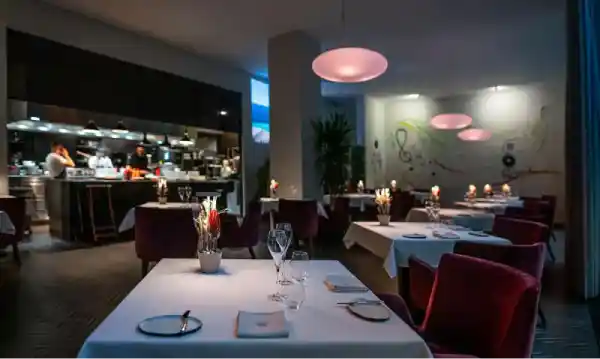

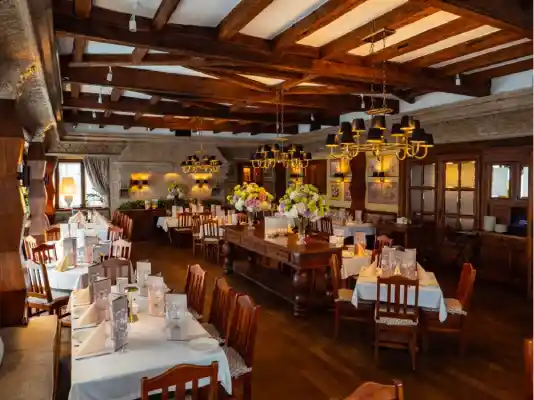




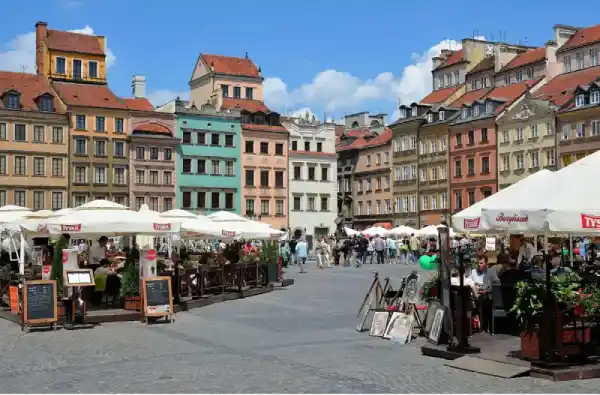
Frequently Asked Questions
Emergency Contacts
Booking.com welcome book checklist
Use this checklist for a guest guide that works well for Booking.com arrivals.
- 1Welcome note with property name, address, and host contact method.
- 2Check-in window, early arrival policy, and access instructions.
- 3Parking, transport, building entry, and key pickup details.
- 4WiFi, house rules, amenities, appliance notes, and safety information.
- 5Checkout time, key return, trash, and local recommendations.
Copy this Booking.com welcome note
Use it as a short message, then let the guide carry the detailed instructions.
Hello [guest name], thank you for booking [property name].
Your guest guide is here: [CheckInLink]. It includes check-in, WiFi, house rules, local tips, and checkout details.
Please read the arrival section before you travel, especially if you are arriving outside normal hours.
If you need help during your stay, contact us through [preferred contact method].
Frequently asked questions
Can I send a welcome book link through Booking.com?
In most workflows you can share guest information through Booking.com messaging, email, SMS, or a QR code at the property. Always follow platform rules.
Is a Booking.com welcome book different from an Airbnb welcome book?
The structure is similar, but Booking.com guests may rely more on direct arrival details and clear contact instructions.
Can one guide work for Airbnb and Booking.com?
Yes. A property-specific guide can work across platforms as long as the content is accurate for that property.