Digital guest guide
Digital guidebook for Airbnb guests
A digital Airbnb guidebook turns scattered guest instructions into one organized mobile guide. Guests get the same answer every time, and hosts can update details without rebuilding messages.
What this solves
- One URL for arrival, WiFi, rules, places, and FAQs.
- Works before arrival and during the stay.
- Keeps instructions organized for self check-in guests.
- Useful for Airbnb, Booking.com, direct bookings, and repeat guests.
Design it around the guest journey
The best guidebook follows the order guests experience the stay: before arrival, at the building, inside the property, around the area, and before checkout.
Put urgent information first
Guests should not scroll through local tips to find the door code. Keep arrival, WiFi, and emergency information close to the top.
- Arrival time and address.
- Parking and building entrance.
- Door, lockbox, or smart lock steps.
- WiFi and urgent contact details.
How CheckInLink helps
CheckInLink gives hosts a dashboard for editing the guide and a guest-facing link that opens cleanly on mobile.
Guest preview
Built for the way guests actually read
Guests usually open instructions on a phone, often in front of the building or while unpacking. A digital guidebook should feel calm, searchable, and current, not like a file attachment from three messages ago.
- Mobile guide instead of a printed binder or static PDF.
- Guest-facing navigation for check-in, WiFi, rules, places, and FAQs.
- One dashboard update changes what every future guest sees.
- No guest app required.
- No PDF to resend when details change.
- One guide can support Airbnb, Booking.com, and direct bookings.
No guest account. No app download. One mobile link guests can reopen.
Welcome to Warsaw Sky Loft
A bright, modern apartment in the heart of Warsaw with skyline views, fast Wi-Fi, and everything guests need for an easy stay.
Make yourself comfortable. We added our favorite local spots below.
Property Information
Address
ul. Prosta 67, 00-017 Warszawa, Poland
Door Code
9482
Check-in
After 15:00
Check-out
Before: 11:00
House Rules
See allDiscover Nearby
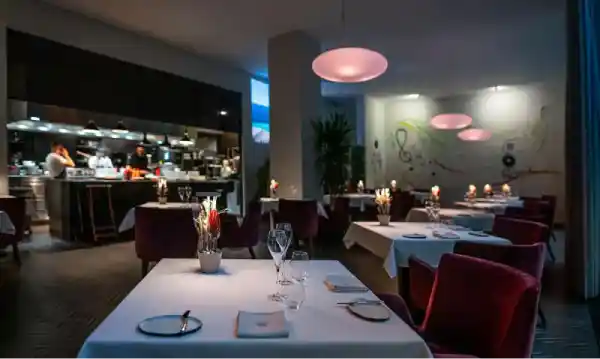
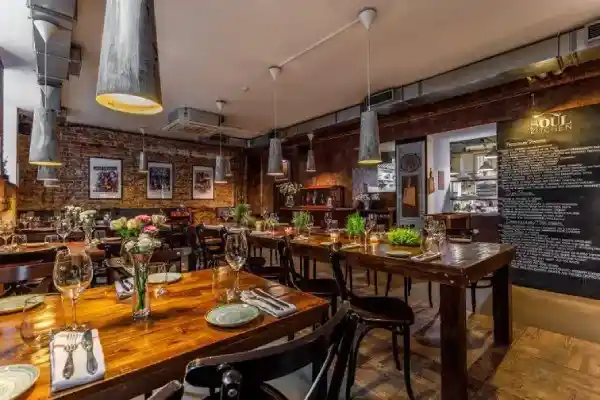
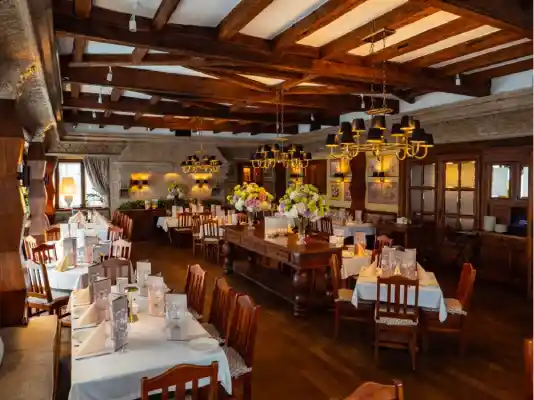
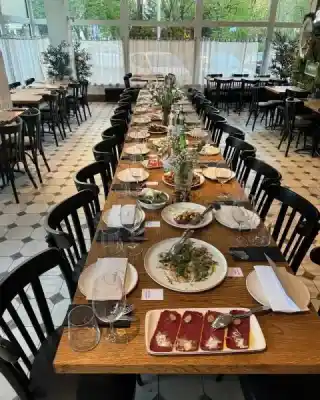


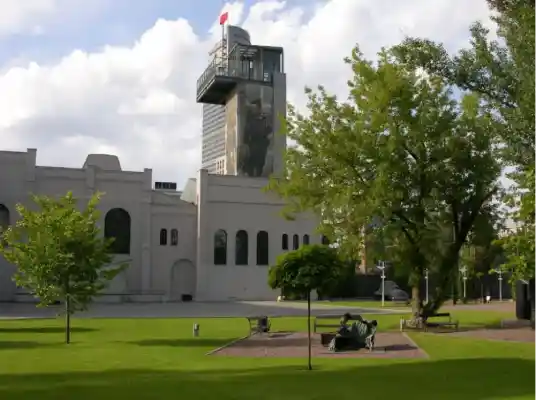
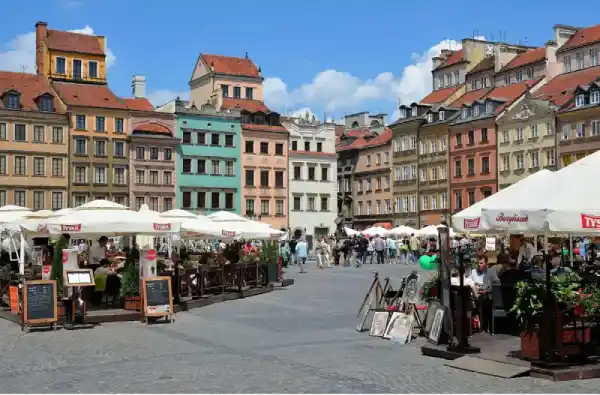
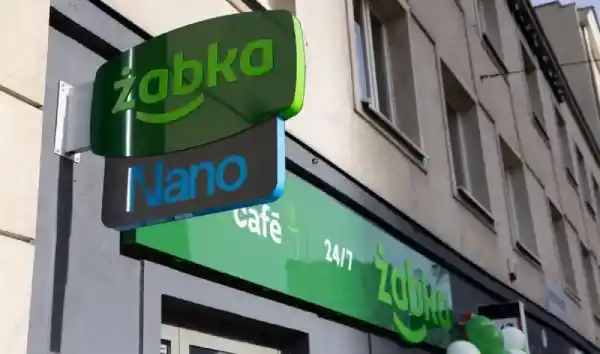


Frequently Asked Questions
Emergency Contacts
Digital Airbnb guidebook structure
A simple structure keeps guests from getting lost.
- 1Home screen with property name, photos, and key stay details.
- 2Arrival section with check-in, parking, entry, and keys.
- 3Stay section with WiFi, amenities, appliances, and house rules.
- 4Area section with restaurants, shops, transport, and attractions.
- 5Help section with FAQs, emergency contacts, and checkout instructions.
Copy this digital guidebook structure
This is the simplest order for a guide guests can follow without thinking too much.
Start here: address, check-in time, and emergency contact.
Arrival: parking, entrance, building code, floor, door, and keys.
Inside: WiFi, heating, appliances, house rules, and quiet hours.
Nearby: restaurants, groceries, transport, and useful local tips.
Leaving: checkout time, key return, trash, and final reminders.
Frequently asked questions
Do guests need to download an app?
No. A normal web link is usually best because it opens in the browser on any phone.
Is a digital guidebook better than a PDF?
For most hosts, yes. It is easier to update, easier to reopen, and easier to share in messages or QR codes.
Can I update the guide after sending it?
Yes. With CheckInLink, the link stays the same while the guide content can be updated from the dashboard.