WiFi guest guide
Airbnb WiFi guide for fewer internet questions
WiFi is one of the first things guests look for after arrival. A clear WiFi guide prevents repeat messages and helps remote workers trust your property.
What this solves
- Show network name and password in copyable format.
- Add router location and safe restart instructions.
- Explain speed, workspace, and backup options.
- Keep WiFi next to check-in and house rules.
Make the password impossible to misread
Use exact spelling, avoid ambiguous formatting, and include a copyable version in the digital guide.
Add troubleshooting before guests ask
A few simple notes can prevent late messages about slow internet or connection problems.
- Router location.
- How to restart the router safely.
- Expected network name and password.
- What to do if the network does not appear.
How CheckInLink helps
CheckInLink gives guests a dedicated WiFi section inside the property guide, so they do not need to scroll through old messages after arrival.
Guest preview
The WiFi answer should be instant
A guest should not need to message you from the sofa to ask for the password. Put the network, password, router note, and workspace details in a clean mobile section.
- Network name and password are easy to copy.
- Router location and restart notes reduce avoidable messages.
- Remote workers can see speed and workspace notes before booking confidence drops.
- Fewer messages that only say: what is the WiFi?
- Clear router instructions without risky guessing.
- A better first hour inside the property.
No guest account. No app download. One mobile link guests can reopen.
Welcome to Warsaw Sky Loft
A bright, modern apartment in the heart of Warsaw with skyline views, fast Wi-Fi, and everything guests need for an easy stay.
Make yourself comfortable. We added our favorite local spots below.
Property Information
Address
ul. Prosta 67, 00-017 Warszawa, Poland
Door Code
9482
Check-in
After 15:00
Check-out
Before: 11:00
House Rules
See allDiscover Nearby
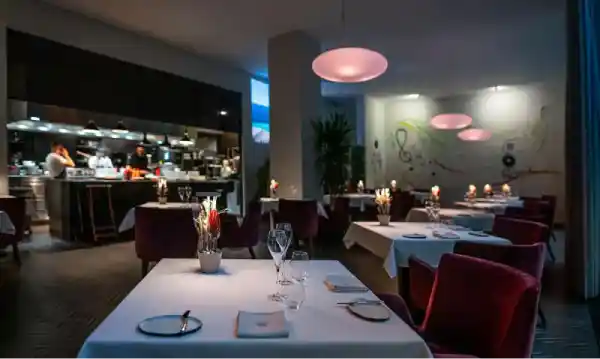
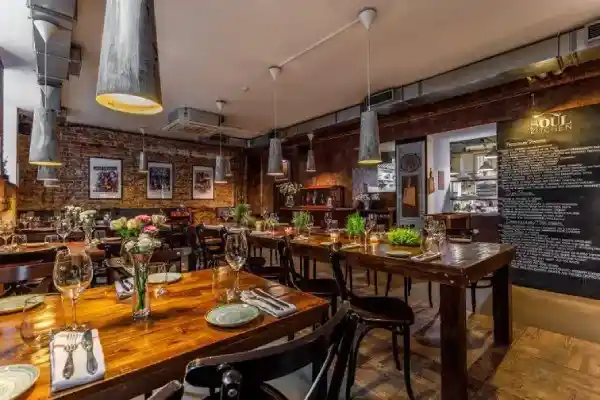
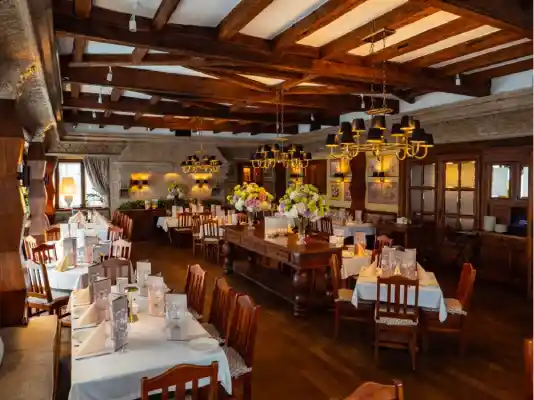

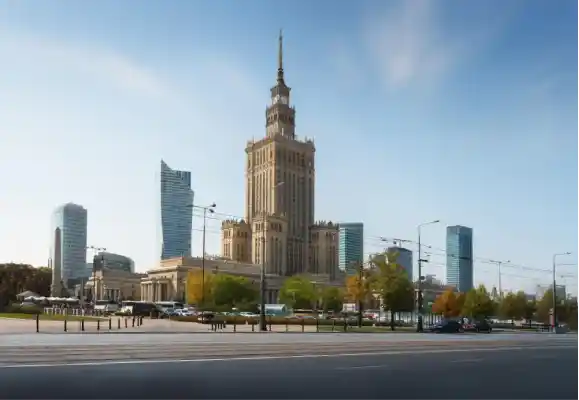



Frequently Asked Questions
Emergency Contacts
Airbnb WiFi guide template
Use this structure for your guest WiFi section.
- 1Network name: [network name].
- 2Password: [password].
- 3Router location: [location]. Please do not unplug it unless instructed.
- 4If WiFi is slow, wait 2 minutes, then restart [router/device instructions].
- 5Best workspace: [desk/table location]. Nearby outlets are [location].
Copy this WiFi guide
This version is clear enough for guests and careful enough to protect your equipment.
WiFi network: [network name]
Password: [password]
Router location: [location]. Please do not move or unplug it unless we ask you to.
If the connection is slow, wait two minutes and try reconnecting first.
Best place to work: [desk/table]. Power outlets are near [location].
Frequently asked questions
Should I print the WiFi password?
You can, but also include it in a digital guide so guests can copy it and find it before or after arrival.
Should I mention internet speed?
Yes, especially if you host remote workers. Honest speed notes help set expectations.
What if the WiFi password changes?
A digital guide lets you update the password once without reprinting signs or resending PDFs.