Booking.com message template
Booking.com guest message template that points to one guide
A good Booking.com guest message should be short, useful, and easy to act on. Instead of pasting every instruction into the message, send one guide link with the full stay details.
What this solves
- Welcome guests and send one complete guide link.
- Keep check-in, WiFi, house rules, and checkout out of long messages.
- Use the same structure for repeat reservations.
- Make direct contact preferences clear.
Do not overload the first message
Use the message to welcome the guest and point them to the full guide. Long instructions are easier to miss, especially on mobile.
What the message should include
The best version answers the immediate concern and moves the guest to the guide.
- Guest name and property name.
- Check-in time or arrival reminder.
- Link to the full guest guide.
- Preferred contact method if they need help.
How CheckInLink helps
CheckInLink gives you one URL to paste into Booking.com messages, SMS, email, or direct booking communication.
Guest preview
Short message, complete guide
The message should not become the manual. It should reassure the guest, tell them what to do next, and link to the guide where the details are easier to read.
- Guests get one clear next step before arrival.
- The guide holds long instructions without cluttering the message.
- The same template can be reused for future bookings.
- Reduce long copied messages.
- Make guest communication feel more professional.
- Give guests the same link for check-in, WiFi, rules, and checkout.
No guest account. No app download. One mobile link guests can reopen.
Welcome to Warsaw Sky Loft
A bright, modern apartment in the heart of Warsaw with skyline views, fast Wi-Fi, and everything guests need for an easy stay.
Make yourself comfortable. We added our favorite local spots below.
Property Information
Address
ul. Prosta 67, 00-017 Warszawa, Poland
Door Code
9482
Check-in
After 15:00
Check-out
Before: 11:00
House Rules
See allDiscover Nearby
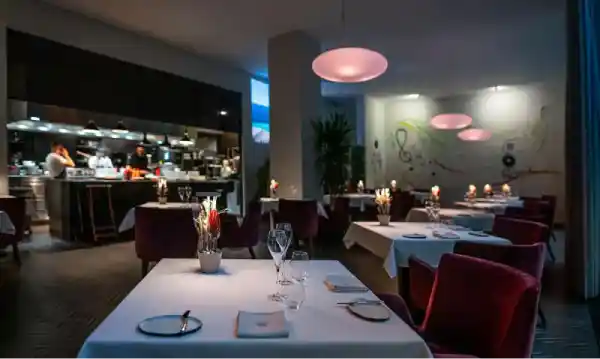

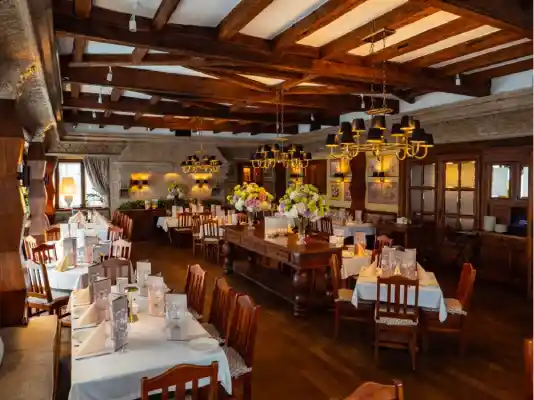



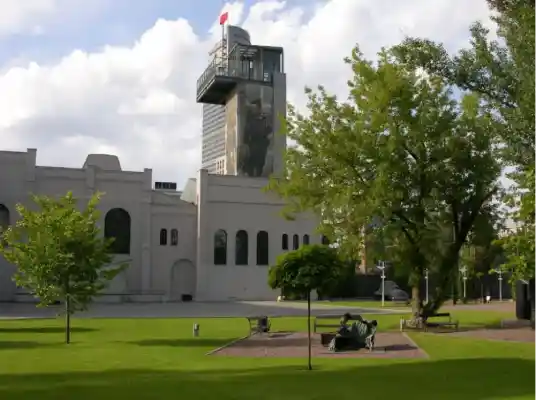

Frequently Asked Questions
Emergency Contacts
Booking.com guest message checklist
Use this before sending a pre-arrival message.
- 1Welcome the guest by name.
- 2Confirm the property name and arrival date.
- 3Share one guest guide link.
- 4Mention what the guide contains.
- 5Give a simple contact instruction if they need help.
Copy this Booking.com guest message
This is short enough for a message and clear enough to move guests into the guide.
Hello [guest name], thank you for booking [property name].
Your guest guide is here: [CheckInLink].
It includes check-in instructions, WiFi, house rules, local recommendations, and checkout details.
Please open the arrival section before you travel.
If anything is unclear, contact us through [preferred contact method].
Frequently asked questions
Should a Booking.com message include all check-in details?
It is usually better to keep the message short and link to the full guide, especially when there are photos, codes, parking notes, or backup steps.
Can I reuse the same message for every guest?
Yes, if you personalize the guest name, property, dates, and contact details where needed.
What should the guide contain?
At minimum: arrival, WiFi, house rules, emergency contact, local recommendations, checkout, and FAQs.