Booking.com check-in guide
Booking.com check-in instructions guests can trust
Booking.com guests may arrive with less message history and fewer platform reminders. Clear check-in instructions give them one reliable place to find the address, access steps, and backup help.
What this solves
- Give guests a simple arrival path before travel day.
- Separate address, parking, building access, and key pickup.
- Add photos for doors, entrances, lockboxes, and parking.
- Share one mobile guide by Booking.com message, SMS, or email.
Make the first screen practical
Guests should see the address, check-in time, and arrival path quickly. Save local recommendations for later in the guide.
Include every access layer
Apartments often have more than one access step. Write them separately so guests do not mix up building and apartment instructions.
- Street address and parking.
- Building entrance, gate, intercom, or elevator.
- Apartment door, lockbox, smart lock, or key pickup.
- Backup contact if access fails.
How CheckInLink helps
CheckInLink keeps Booking.com check-in instructions, WiFi, house rules, FAQs, and checkout in one guide guests can reopen at the door.
Guest preview
Arrival clarity for guests with less context
A Booking.com guest may not have read several host messages before arrival. The check-in guide needs to work as a standalone source of truth.
- The guide opens in a normal mobile browser.
- Arrival steps can include backup contact and photos.
- The same link can be reused for every Booking.com reservation at that property.
- Reduce confusion around self check-in.
- Make apartment access easier for international guests.
- Keep check-in details updated without rebuilding message templates.
No guest account. No app download. One mobile link guests can reopen.
Welcome to Warsaw Sky Loft
A bright, modern apartment in the heart of Warsaw with skyline views, fast Wi-Fi, and everything guests need for an easy stay.
Make yourself comfortable. We added our favorite local spots below.
Property Information
Address
ul. Prosta 67, 00-017 Warszawa, Poland
Door Code
9482
Check-in
After 15:00
Check-out
Before: 11:00
House Rules
See allDiscover Nearby
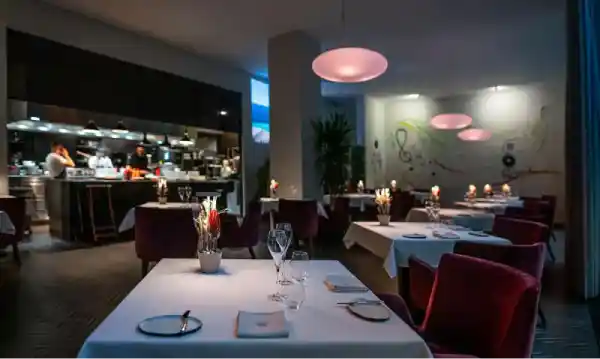
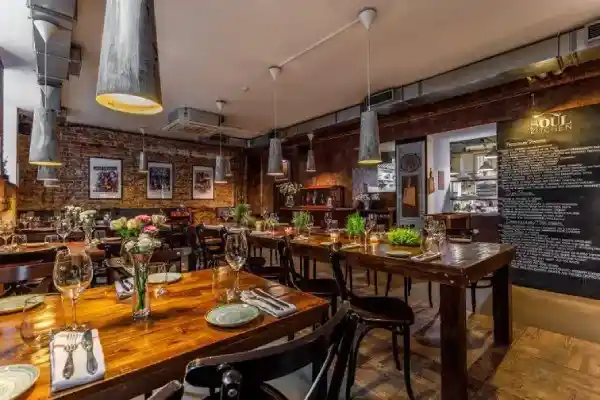
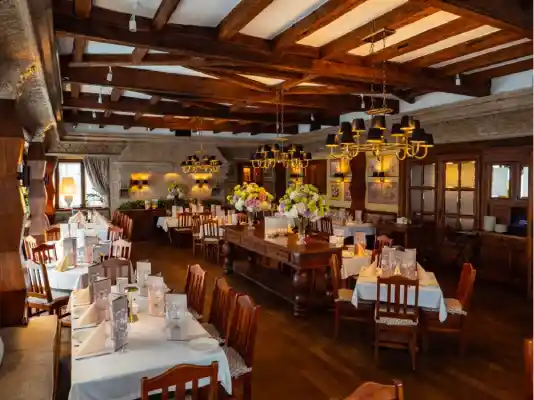



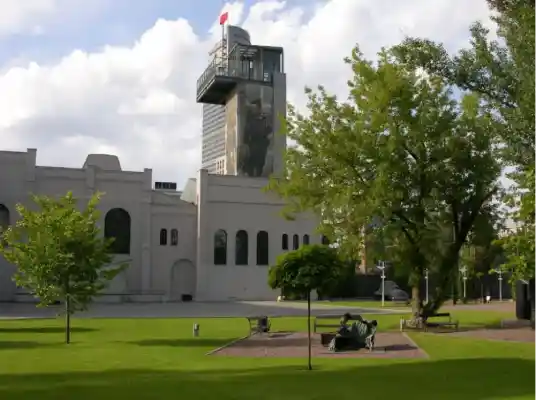
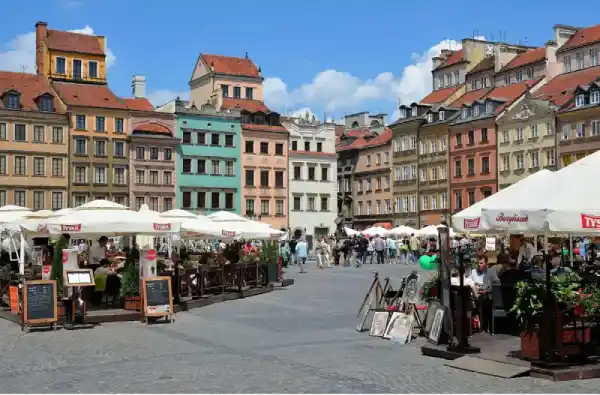
Frequently Asked Questions
Emergency Contacts
Booking.com check-in instruction checklist
Use this for serviced apartments, city stays, and self check-in rentals.
- 1Check-in starts at [time]. The address is [full address].
- 2Parking is available at [location] or [backup option].
- 3Use [building code/intercom/entrance instructions] to enter.
- 4Go to [floor/unit]. The apartment door is [description].
- 5Use [lockbox/keypad/key pickup] with [steps]. If there is a problem, contact [backup contact].
Copy this Booking.com check-in message
Keep the platform message short and link to the full guide.
Hello [guest name], your check-in starts at [time].
Your arrival guide is here: [CheckInLink]. It includes address, parking, building access, keys, WiFi, and backup contact.
Please open the guide before you travel so the access steps are ready on your phone.
If your arrival time changes, let us know.
Frequently asked questions
Can I send a check-in guide through Booking.com?
Most hosts share arrival information through Booking.com messaging, email, SMS, or their guest communication workflow. Always follow platform rules.
Should I include door codes directly in the message?
Many hosts prefer keeping detailed access steps in a confirmed-guest guide and sending it close to arrival.
Should I add photos?
Yes. Photos reduce confusion with entrances, floors, doors, parking areas, and key boxes.